
Game Card Types
Riskio uses three types of cards to simulate cyber‑security scenarios: Threat (Attack) Cards, Defence Cards, and Information Cards. Each card type plays a different role in helping players understand how risks emerge and how controls reduce them.
Hover to see card front
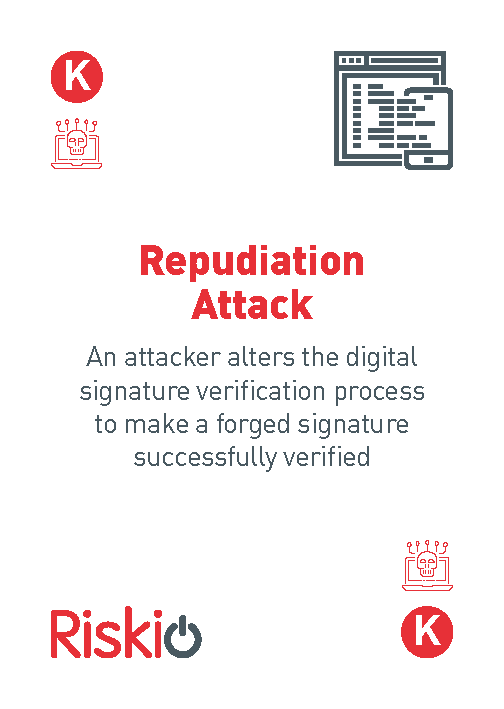
Threat Cards
Threat Cards describe realistic cyber‑security threats based on the six STRIDE threat categories: Spoofing, Tampering, Repudiation, Information Disclosure, Denial of Service and Information Disclosure. Examples of threats that organisations may face include:
phishing
unauthorised access
malware
insider threats
data loss
weak authentication
Each threat introduces a scenario that teams must analyse and respond to using appropriate defence cards.

Hover to see card front
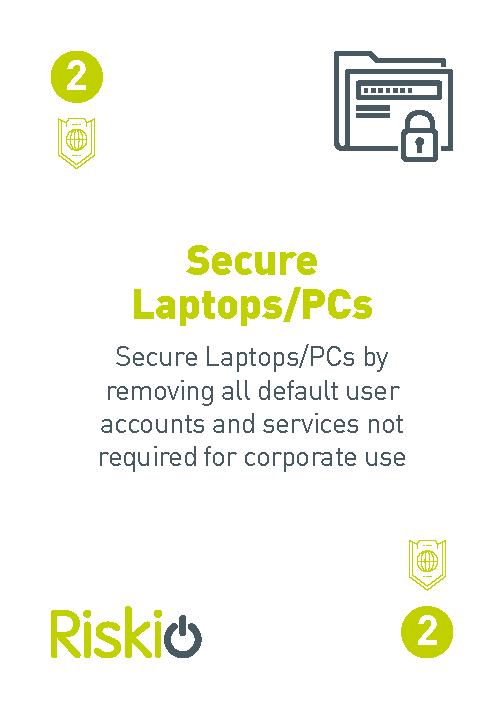
Defence Cards
Defence Cards represent security controls, policies, and practices that reduce risk. Examples include:
secure configuration
access control
monitoring and logging
patch management
training and awareness
incident response
Players select defences that best mitigate the threat presented. The value lies in discussing why a defence is appropriate and how it works in practice.

Hover to see card front
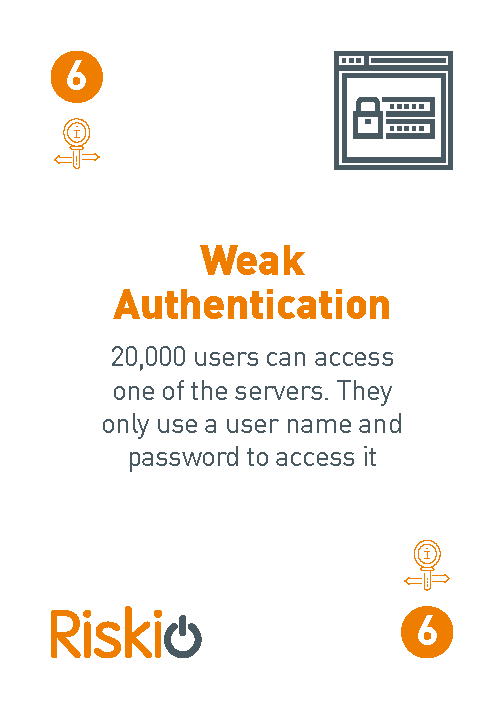
Information Cards
Information Cards provide additional context that may increase or decrease risk. Examples include:
weak secure configuration
high staff turnover
outdated systems
strong leadership support
limited budget
These cards help players understand how organisational factors influence cyber‑security outcomes.
How Cards Are Used During Play
A typical round involves:
The Player acting as attacker selects a threat card from six STRIDE categories (placed face down next to game board).
Teams selecting defence cards to mitigate the risk.
Information cards being introduced to modify the scenario.
Teams explaining their reasoning.
Reflection on how the chosen defences would work in real life.
This process encourages critical thinking and collaborative decision‑making.

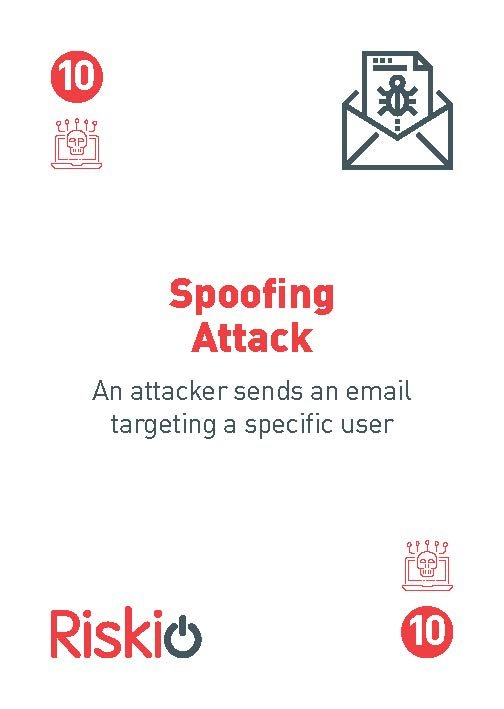
Attack Example using Spoofing Attack
Cyber Criminals – “Attacker gathered information from corporate website and used this to create emails to target employees in a phishing attack”.
Cyber Criminals – “Attacker gathered information from corporate website and used this to create emails to target employees in a spear phishing attack. The employees click on the link and installs a key logger enabling the attacker to gather user names and passwords”
Games Master role to explain perfect attack has: Threat Actor (Cyber Criminals); How they gathered information; Target of attack; Method in attack; and motive (Gather usernames and passwords).
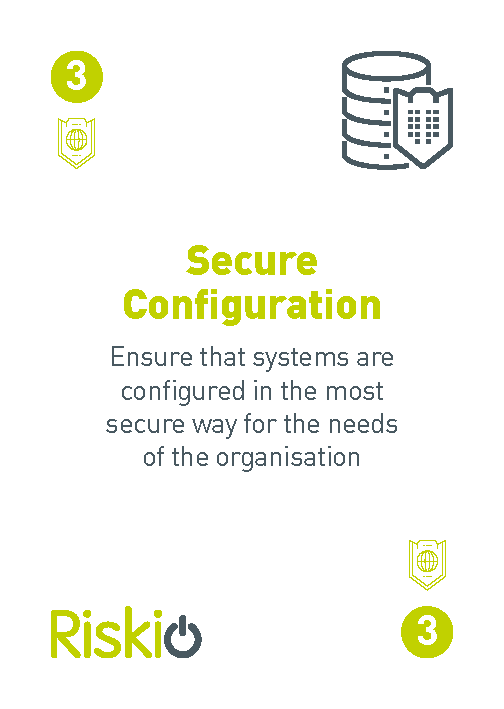
Defence Example
Three different examples of defence to spear phishing attack.
Card 3 Secure Configuration: “Configure the Email server to verify the IP Address of the incoming email domain and put in spam folder where does not match”.
Card 7 Security Training: “Strategy to detect spear phishing emails by training staff how to spot spoofed emails and implement a intranet based training solution for staff to test their skills”
Card 3 Secure Configuration: “Install a behavioural based end point detection system and if user does click on spear phishing email the system will automatically prevent any data loss or malware being installed”
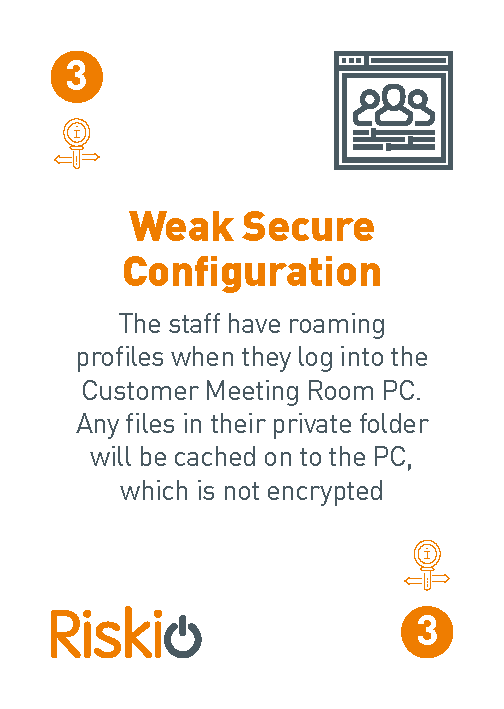
Information Example
The Games Master can select this card to helps players understand that poor configuration choices create vulnerabilities even when good technology is in place.
“Weak secure configuration means systems are set up in a way that makes them easier to attack — for example, default passwords, unnecessary services enabled, outdated settings, or misconfigured permissions. Even strong security tools fail if the configuration behind them is weak.”
Alternative Games Master can use this information card to act as the attacker.